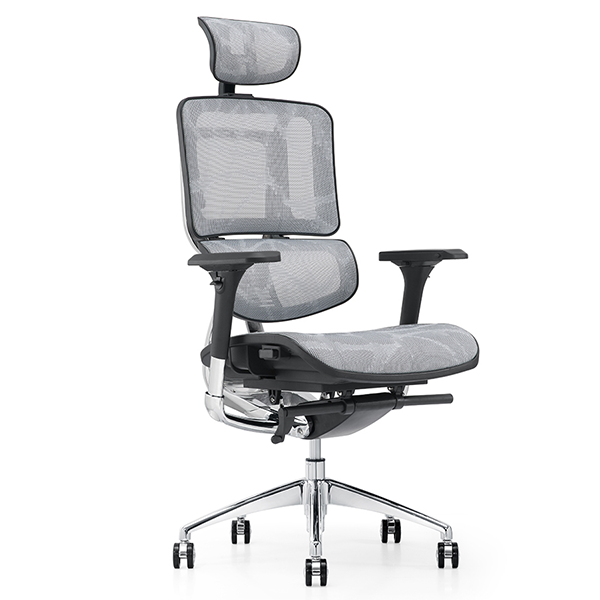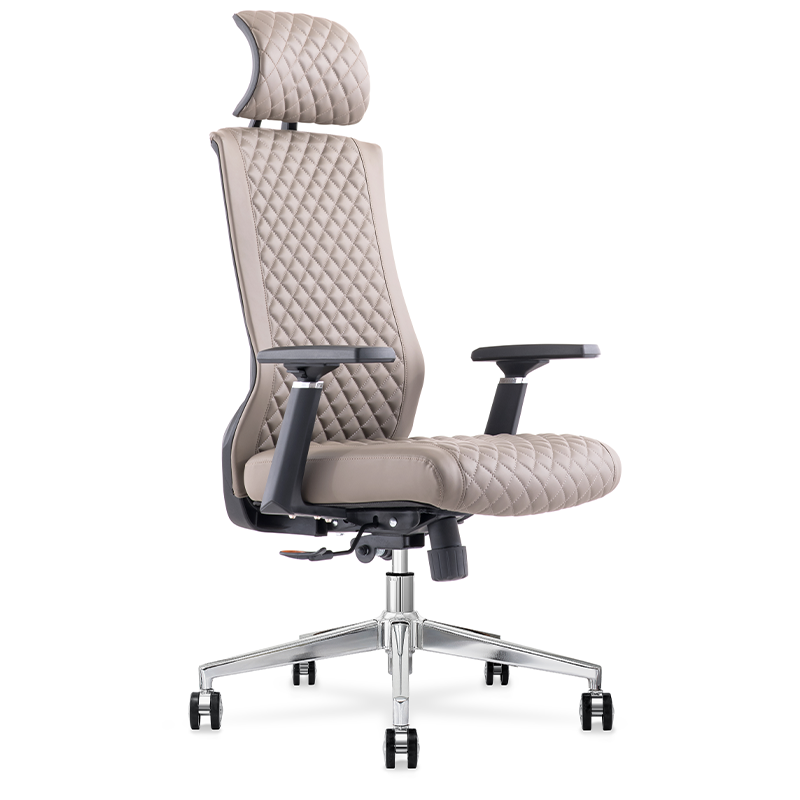
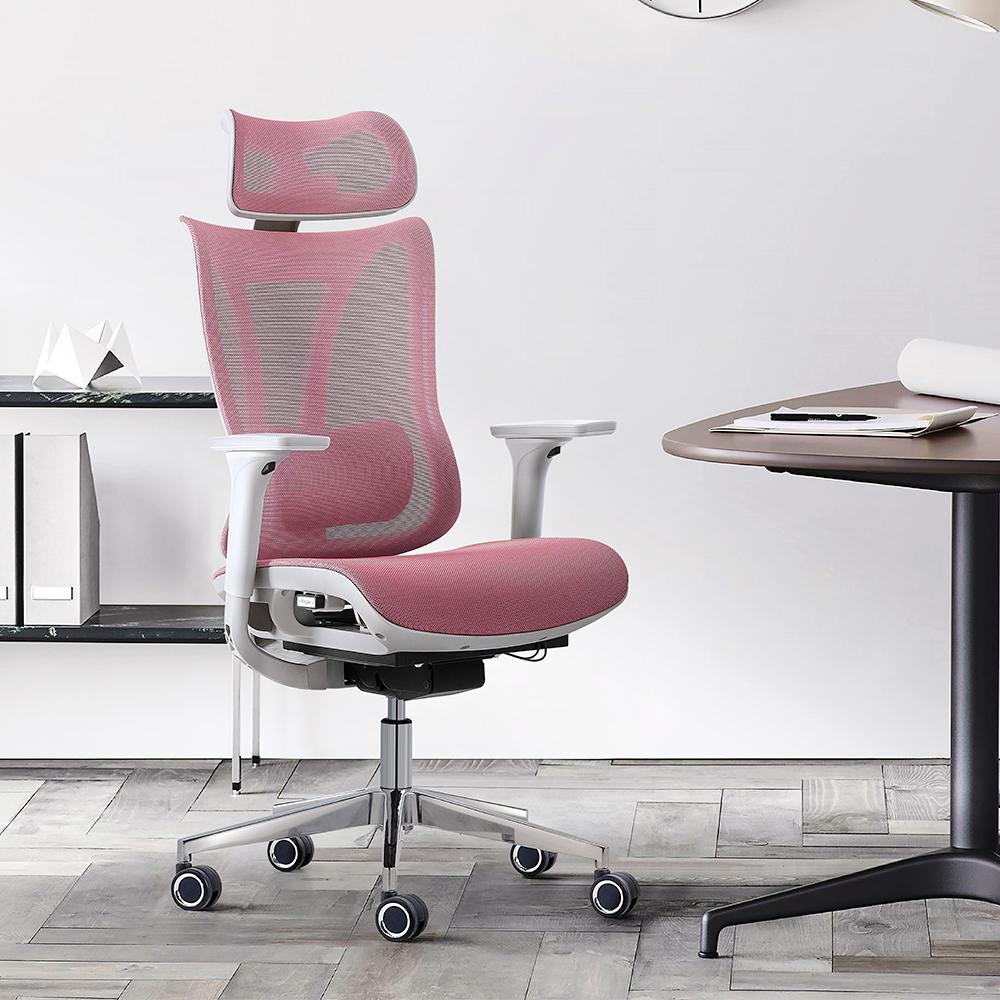
A chair can feel comfortable in the showroom and still catch on the desk every time someone pulls in to type. A sample trial lets your facilities team discover that before placing an order. The most useful result is specific enough for a colleague to reproduce: which chair, at which desk, during which task, with which setting?
Set up a fair comparison between two chair samples
Label the chairs A and B. Record each model, its fitted options, and the supplier’s sample reference. Pick a desk representative of the installation, including its underside, floor surface, and equipment. Have the same person try both chairs there, with equal time for the same tasks. Let them adjust each chair first and note their settings. If several people take part, keep a separate sheet for each person.
Choose tasks people actually perform at that station. A shared reception desk might involve reaching a telephone and getting up frequently. An analyst’s desk might require longer stretches at the keyboard and a second screen. Record how long each trial lasted so a later reviewer can judge what the observation covers. Cornell’s seating evaluation form also uses individual trials to compare chairs.
Try the adjustments during normal desk work
Start with the controls. Ask the tester to find the seat-height adjustment from the seated position, change the setting, and return it to a comfortable working height. Check seat depth, backrest, and arms where the sample offers those adjustments. Record which control needed an explanation. UC’s task chair purchasing checklist groups checks by seat, backrest, arms, and basic features, a useful order for this walkthrough. UC task chair checklist
Then work through a short sequence:
- Type and use the mouse. Pull in to the usual working distance. Check whether the arms clear the desk and whether either one touches the underside when the tester reaches for the mouse.
- Read a document on screen. Let the tester use their preferred backrest position. Ask which setting they used and whether they could find it again after someone else adjusted the chair.
- Leave and return to the desk. Watch how the chair moves on the actual floor and whether there is room to get out. If the tester has to turn sideways to clear a drawer unit, note its position.
When a feature is absent, mark it as absent. That distinction matters if procurement must choose between ordering a different option and arranging another demonstration of the same chair.
Separate observations from preferences
Copy this worksheet for each tester. At the top, enter the trial date, tester ID, station, time spent on each chair, and the model and configuration for A and B. The first row below is an illustrative entry.
| Sample | Task and setting | What happened | Tester preference | Question for retest |
|---|---|---|---|---|
| A (example) | Typing, arms at lowest setting | Right arm hit the drawer unit when pulling in | Would like to sit closer | Does the same contact occur at a desk without drawers? |
| A | ||||
| B |
“I liked B better” is worth keeping in the preference column. Ask one follow-up: “What were you doing when you noticed the difference?” An answer such as “I could pull B closer during typing” gives the reviewer a condition to check. Keep individual responses visible if colleagues disagree. A chair that clears one team’s desks may need a different arm option at another station.
Decide what to accept, retest, or clarify
Accept a configuration for the workstations where it met the team’s recorded requirements. Identify the exact sample and any limitations, such as approval only for desks without under-desk drawers.
Retest when a specific change could alter the decision. In the drawer example, try the same chair at the second desk, then try chair B at the first desk. Record what changed before deciding whether the issue follows the chair or the workstation.
Clarify when the paperwork and sample disagree. If the quotation lists fixed arms and the sample arrived with adjustable arms, ask the supplier which assembly the price covers. Approval can wait until the quoted version is identified and, where needed, tested.
Give purchasing the sample ID, confirmed options, workstation scope, and reviewer’s decision. Attach the completed worksheet to the bulk chair quotation and order specification so the chair people tried is the one the team orders.