Choosing office workstations is an important part of planning a productive workplace. Different teams may need different levels of desk space, privacy, storage, and communication. A workstation arrangement that works well for one department may not be suitable for another.
For this reason, the best office workstation is not simply the desk with the most attractive appearance. Buyers should consider how the team works, how many employees need to use the space, what furniture must be placed around each workstation, and whether the office may change in the future. By reviewing these requirements together, it becomes easier to select a workstation configuration that supports both daily work and long-term office planning.
Understand How Your Team Works
Start by reviewing how employees use the office. Some teams focus on individual tasks, while others need frequent communication and cooperation.
Employees working with documents, computers, or project tasks may need a clearly defined personal workstation. Teams that communicate frequently may need a more connected arrangement.
Many offices combine these workstyles. Select workstations according to the team’s actual activities rather than using one arrangement for every department.
Choose a Workstation Configuration for the Team
The configuration of an office workstation affects how employees share space and communicate with one another.
Individual Workstations
Individual workstations suit smaller teams or roles that need clearly defined personal desk areas.
Bench Style Workstations
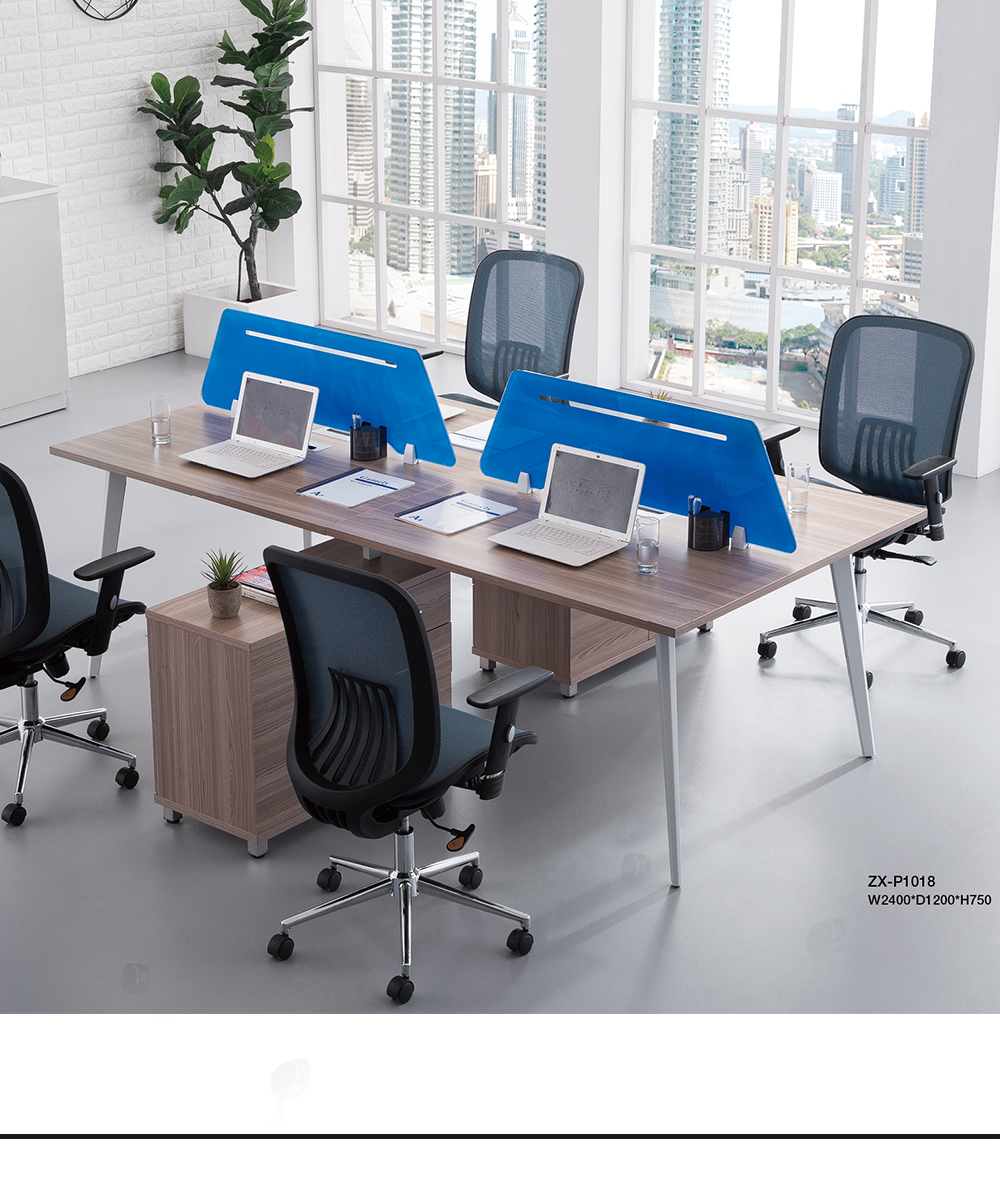
Bench style workstations can support open offices where several employees work in one area and need to stay connected.
Clustered Workstations
Clustered workstations can organize project teams and make shared storage and furniture planning easier.
Workstations with Dividers or Privacy Panels
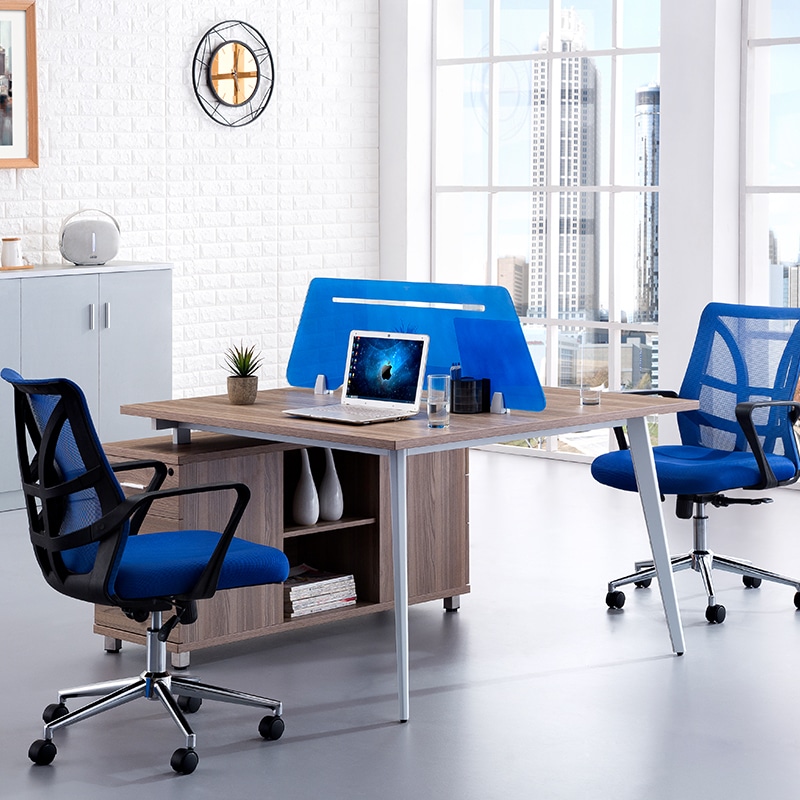
Dividers or privacy panels can create a clearer personal boundary in an open office. Choose them according to the team’s need for focus and communication.
Consider Team Size and Future Growth
Employee numbers are a starting point, but buyers should also consider team growth, department changes, and future expansion.
A plan based only on current headcount may be difficult to extend later. Consider how additional workstations could be added or existing arrangements adjusted.
For larger projects, coordinated workstation dimensions, finishes, and configurations can create a consistent workplace while allowing each department to meet its own needs.
Match the Workstations with Job Requirements
Different roles may require different levels of work surface and storage. Administrative teams may need space for documents and computer work, while design or project teams may need room for monitors, drawings, files, or other materials.
Sales and customer service teams may benefit from a layout that keeps colleagues close together. Managers and team leaders may need more privacy while remaining connected to the department.
Workstations can be planned alongside executive desks or other office furniture when a project needs a clear but coordinated work area.
Review Work Surface, Storage, and Equipment Needs
A workstation should provide enough usable space for the equipment and materials required during the working day. Consider monitors, documents, stationery, storage, and cable arrangements before confirming the configuration.
Storage is also part of the workstation decision. Some teams may need personal drawers, while others may use shared filing cabinets or centralized storage. Our Storage Solutions can be considered together with workstation desks when the office requires a combination of personal and shared storage.
Consider the Available Office Space
Available floor area affects which workstation configuration will work best. Review space for office chairs, employee movement, storage access, and opening drawers or cabinet doors.
Printing zones, shared storage, meeting spaces, and presentation areas may also need to fit within the same office. The workstation layout should support the wider workplace rather than use all available space for desks.
Match Workstations with Office Chairs
Select office workstations together with suitable seating. Check whether chairs can be pulled out comfortably and whether employees have enough room to sit, stand, and move around the desk.
The relationship between the workstation, chair, and storage unit is especially important in a shared office. Furniture that works alone may become difficult to use when combined with a large chair or nearby filing cabinet.
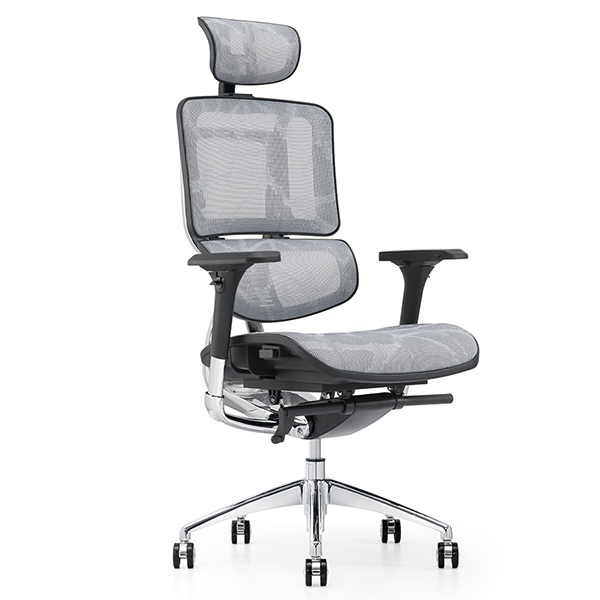
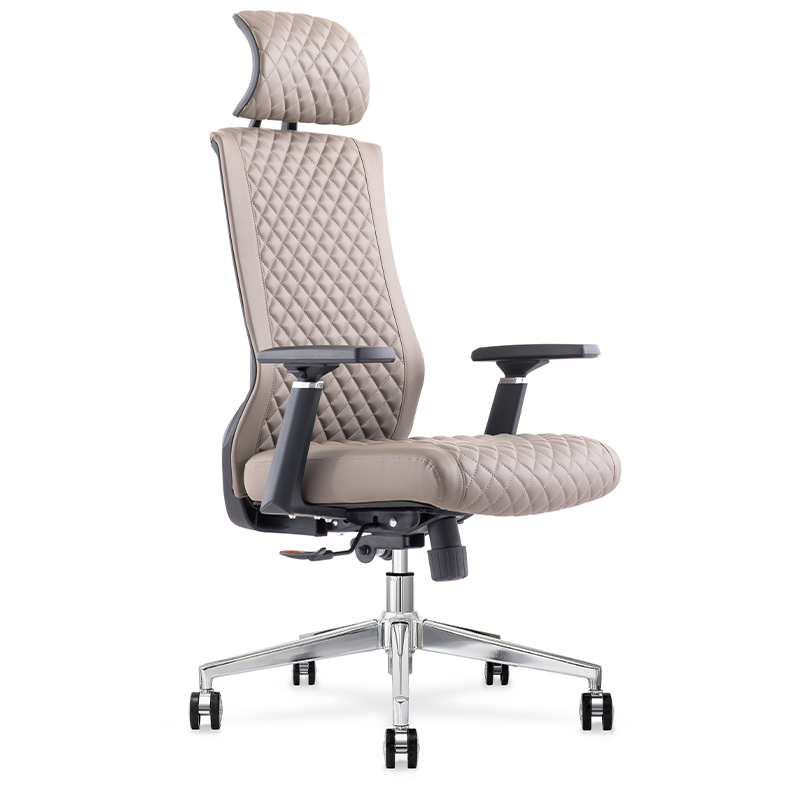
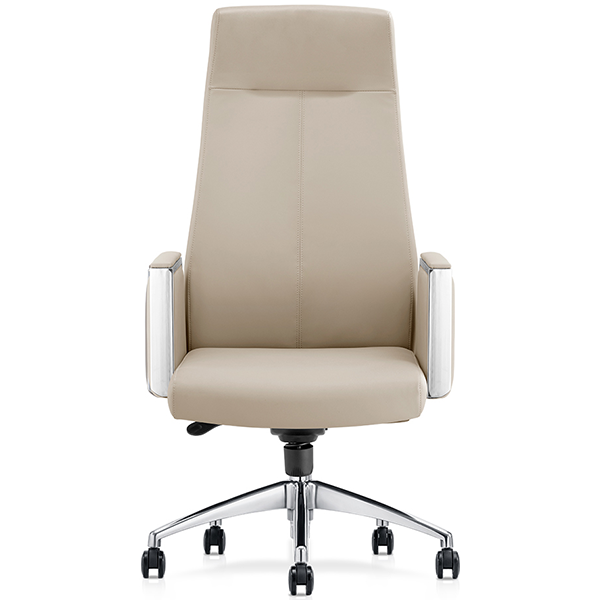
We provide a range of Office Chairs for different office environments. Reviewing workstation desks and office chairs as part of one furniture plan can help buyers create a more coordinated working area.
Review Materials, Finishes, and Daily Use
The workstation material and finish should suit the office environment and expected frequency of use. Consider maintenance, daily use, and coordination with the rest of the workplace.
For offices with multiple departments or locations, consistent colors and materials can help create a unified appearance.
Plan Larger Workstation Projects Carefully
For larger projects, share the expected team size, workstation quantity, preferred configuration, storage needs, chair requirements, and available floor plan with the furniture supplier.
This information helps clarify whether the project needs individual workstations, clustered arrangements, bench style layouts, or a combination of configurations.
At Zhixing, we provide Custom Office Furniture and Workspace Solutions for commercial furniture projects. Our product range includes office desks, workstation desks, office chairs, and storage solutions. We also support OEM and ODM cooperation for projects that require a tailored furniture approach.
A Simple Checklist for Choosing Office Workstations
- Team size and working style
- Individual work and collaboration requirements
- Workstation configuration
- Available work surface
- Personal and shared storage
- Equipment and cable requirements
- Office floor area and movement space
- Office chair compatibility
- Future team growth
- Quantity, finish, and project requirements
Conclusion
The best office workstation should match the way your team works. Review daily activities, configuration, work surface, storage, chairs, office space, and future changes before making a decision.
For a larger office project, workstations should be planned together with other workplace furniture rather than purchased as separate items. If you are planning a new office or updating an existing workspace, contact us with your team requirements and project information to discuss a suitable office furniture solution.